
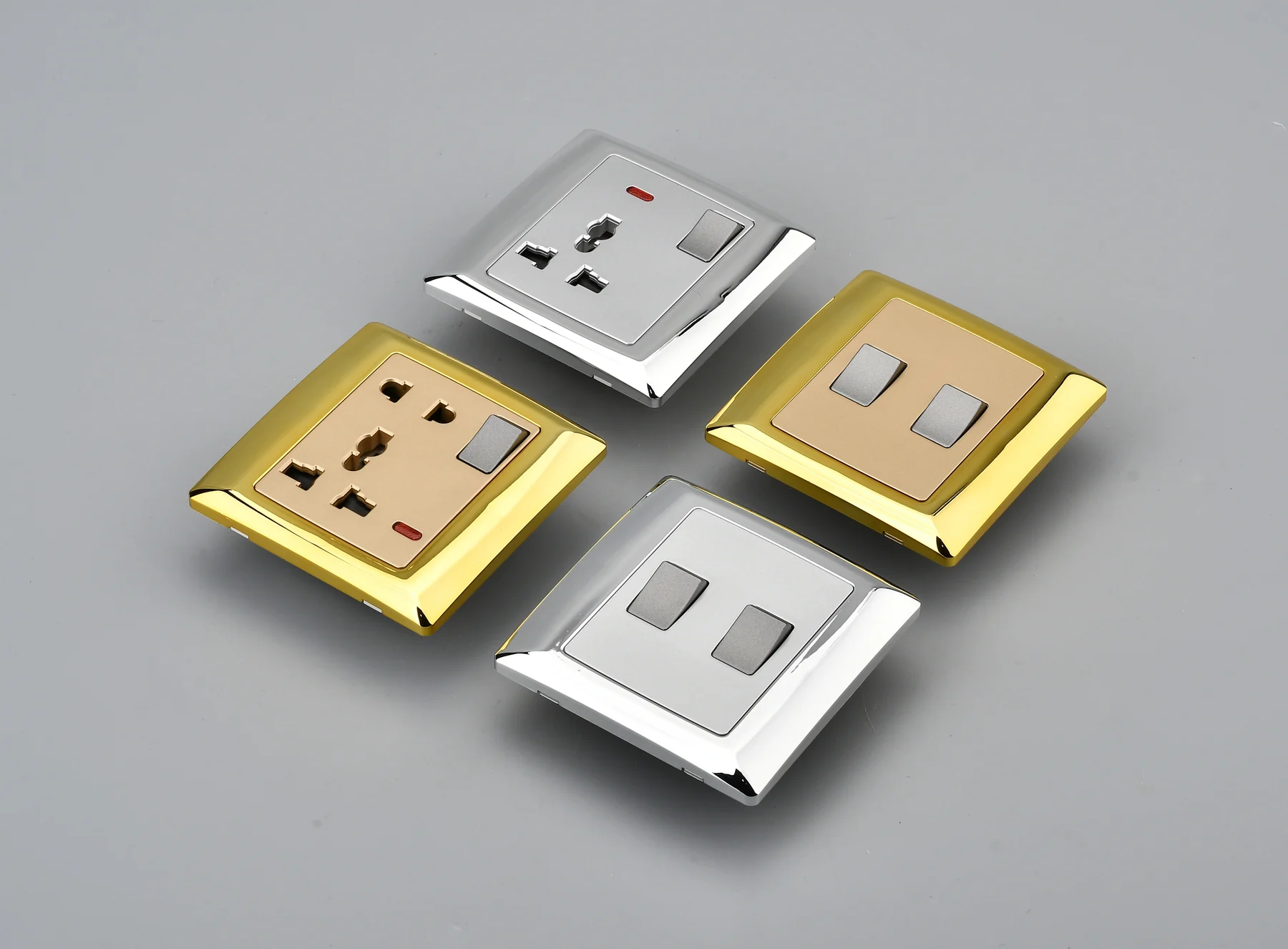
HaiPai Electric has reorganised the website product directory around the way international buyers normally narrow an electrical range: market format first, product function second and exact model review third.
Why the Directory Changed
A flat gallery can show many products but does not explain where a buyer should start. Switches, sockets, connection accessories may share visual design cues while following different installation, documentation and compatibility requirements.
The updated directory keeps the full range visible while giving each main family a dedicated route. Buyers can move from a category overview to relevant model cards without searching through unrelated products.
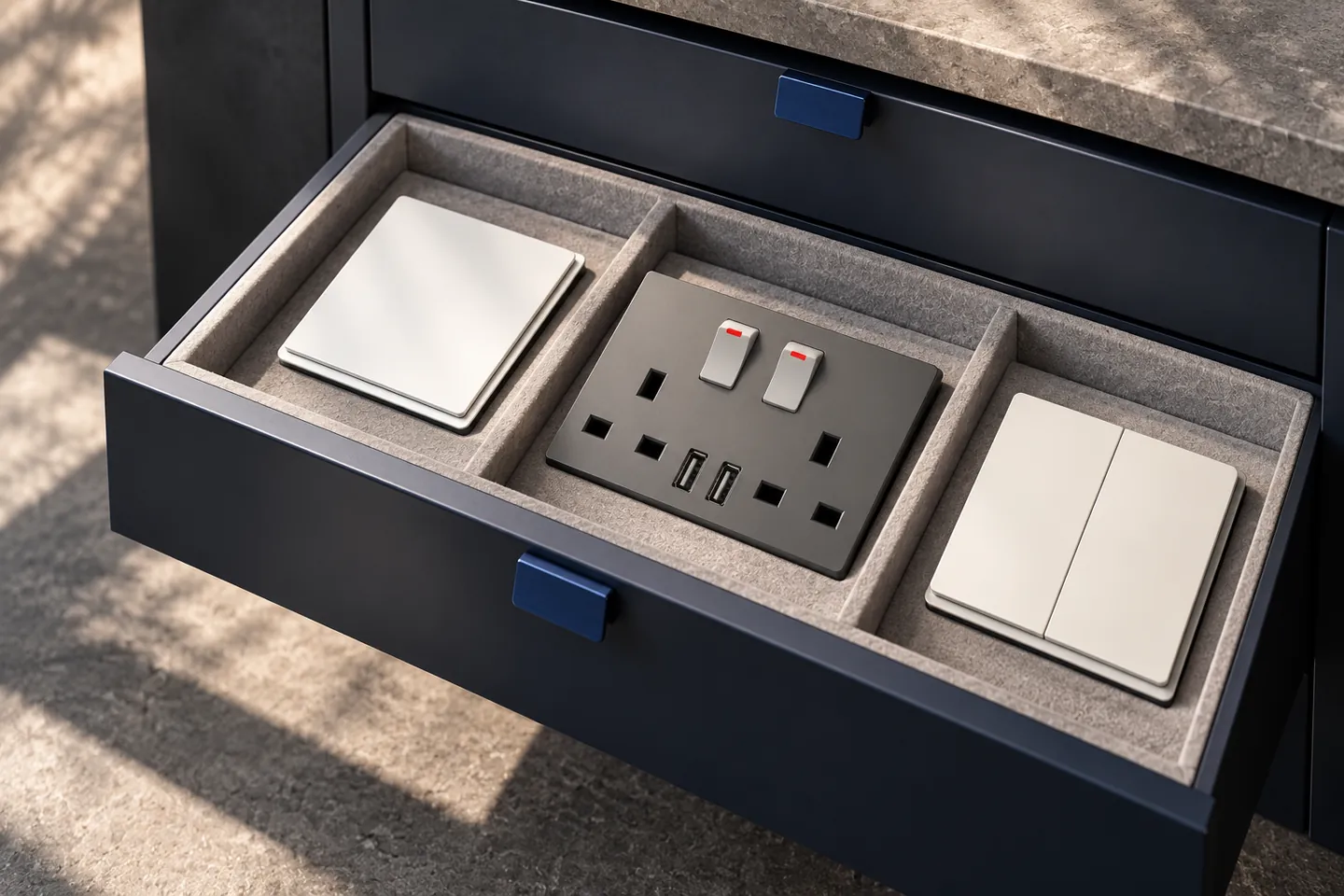
Four Main Product Routes
| Category | What buyers find | Primary selection basis |
|---|---|---|
| British Standard | Wall switches, sockets and related functions for UK-format projects | Function, gang count, rating and model evidence |
| American Standard | Controls and outlets organised for American-format applications | Device type, plate format and project requirement |
| Product Accessories | Connection units, mechanisms, blank plates and electrical modules | System fit, wiring function and compatible plate |
| Track Socket Systems | Power tracks, movable adapters, charging adapters and accessories | Rail family, adapter format and compatibility |
These category names describe navigation, not blanket compliance claims. An item shown within a market group must still be checked against the final project specification and destination-market requirements.
What the Model Pages Add
Model pages give the product image and specification room to work together. Each page includes a three-image gallery, product summary, structured specifications and a model-specific enquiry route. Current pages also cover common procurement questions, project risks, OEM/ODM support, customisation, quality control, application context and a buyer checklist.
- The H1 identifies the actual product and includes the wholesale context required for B2B search.
- Product images can be enlarged and freely zoomed for detail review.
- Specifications are grouped instead of presented as one unstructured paragraph.
- Related product cards link directly to other model pages.
- JSON-LD identifies the product, manufacturer, brand and page relationships.
A Shorter Route from Discovery to Enquiry
The directory is intended to support a four-step process: choose a market family, compare product types, open a relevant model and submit a request with the destination market and required configuration. This makes the enquiry more useful than a generic request for a catalogue.
The next phase will continue improving model mappings, supporting documents and product imagery without changing the buyer-oriented category structure.